

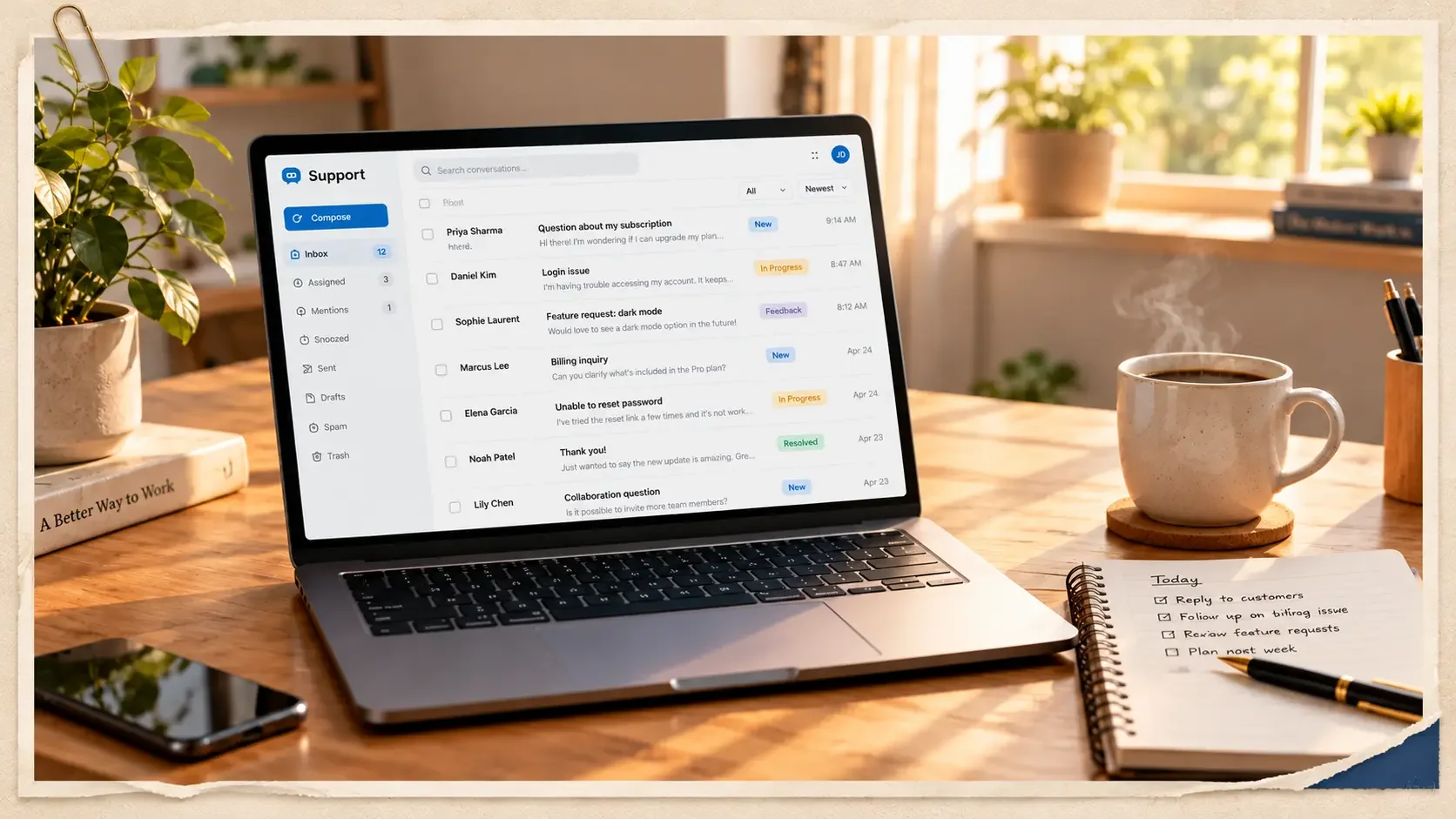
Every client I've worked with used a different set of tools. Different help desk, different billing system, different place where tasks live. After five years, I've logged into a lot of dashboards.
This post is the honest list: the tools I actually use, where I used them, and what I'd tell you about each one. If you're an aspiring VA, it shows you what's worth learning first. If you're a client, it shows you what I can work in on day one.
TL;DR / Quick Summary
- Core Help Desks: Zendesk, LiveAgent, Front, Crisp, and Intercom.
- Billing & Ops: Stripe, Recurly, monday.com automations, and GoHighLevel funnels/forms.
- AI Workflow: Claude for drafting SOPs/content + Gemini for image assets.
Help desks
This is where customer support actually happens: emails, chats, and sometimes calls, all in one inbox. Most of my VA work started here.
At ZeroNet, I didn't just answer tickets. I worked on improving the support process itself, through templates and documentation inside Zendesk. I also wrote my own Zendesk SOP.
Why learn it: so many SaaS companies use it. If you learn one help desk first, make it this one.
My home base for years at Shoeboxed. Email, chat, and phone support all ran through it, so I learned to switch channels without losing track of a customer.
Good to know: once you know one help desk well, the next one is mostly finding where the buttons moved.
I've also worked in these, so they won't slow me down:
Billing and payments
For SaaS clients, a lot of support questions are really money questions. Where's my refund? Why was I charged? That's where these come in.
I handle Stripe disputes and refunds. At SEOSpace, I write dispute rebuttals and process refunds, including prorated ones during a platform migration. At Walter Writes AI, I supported Stripe disputes while handling 50+ tickets a day.
Why it matters: every dispute has a deadline. Being careful here protects the client's money directly.
Another subscription billing platform I've worked with. Not every SaaS company runs on Stripe, so it helps to know more than one.
Good to know: the logic is the same everywhere. Check the plan, the billing date, and the customer's history before you answer.
Project and operations tools
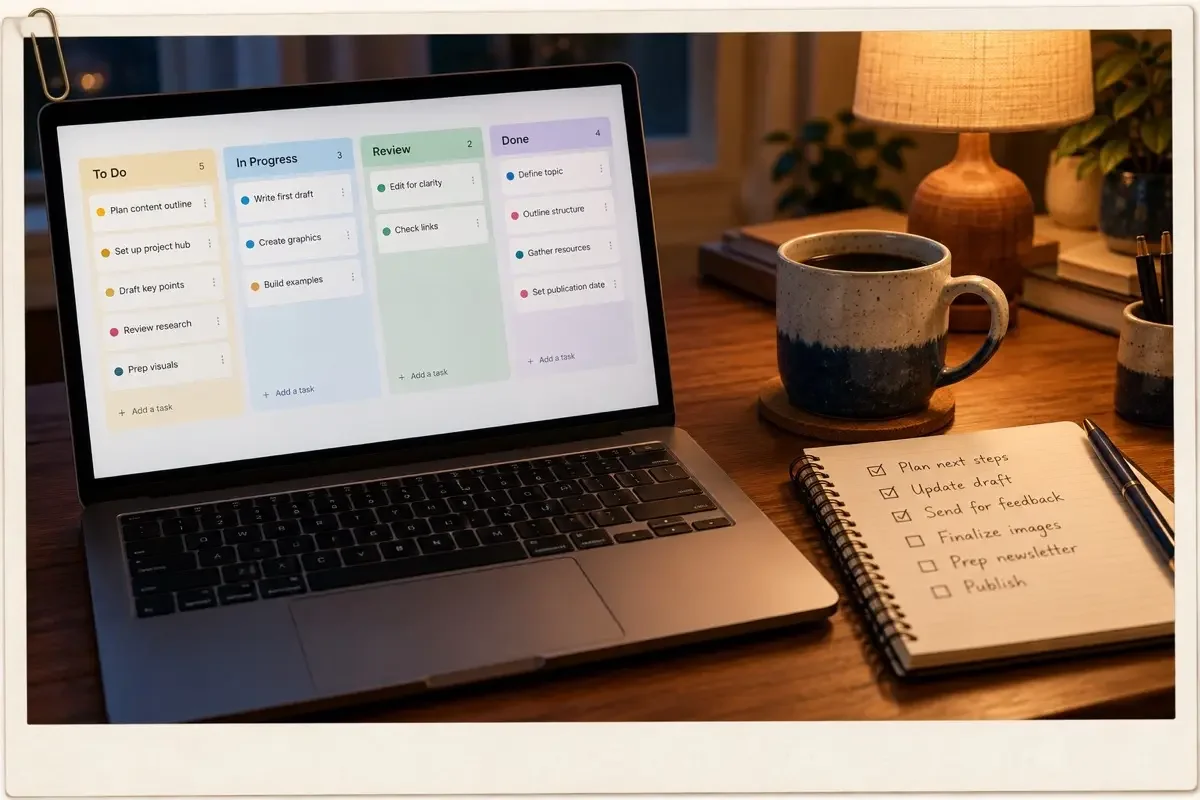
As an executive assistant, my job isn't only answering customers. It's keeping the whole team on track. These are the tools I use for that.
This is where every client task lives at the agency I work for. I created an automation that notifies the assignee when a task has been pending for over 3 days, so they can take action. I get notified too, so I can keep track of every task that's been sitting for more than 3 days. I also set up automations like mirroring a teammate's assigned tasks onto their own board.
Why I like it: automations do the chasing for you. Fewer "did you see this?" messages, fewer tasks that slip.
I build automations and forms that link to the website, schedule social media posts, and check voicemails, emails, and calendars. I also create blog content in it. Recently, for a school project, my team and I built website funnels in GHL.
Good to know: it's an all-in-one tool, so start with one feature you need and ignore the rest at first.
When I spot a bug, I report it straight to the tech team and keep every issue in one Google Doc, so nothing gets lost. Client files and onboarding docs live in Drive.
Good to know: a simple shared doc beats a fancy system nobody updates.
I've also built EA templates in Notion, and used Trello on an earlier client.
Team communication
Remote work runs on clear messages. Two tools do most of that work for me.
- Slack for day-to-day team messages, so quick questions don't clog anyone's email.
- Loom for short screen recordings. Sometimes a two-minute video explains a process better than a page of text.
AI tools
When I first tried to find VA work, there was no AI to ask. Now I use it every single day.
My everyday work partner for drafting reports, SOPs, and first drafts, including posts like this one. I still review and edit everything before it goes anywhere.
My rule: AI drafts, I decide. Never send something you haven't read yourself.
I've used Gemini's image tool (Nano Banana) to create visuals, which helps when there's no designer on the team.
Good to know: describe the mood, colors, and props you want. The more specific, the better the result.
I'm also studying Business Administration at Mapúa Malayan Digital College, specializing in AI for Business Strategy and Operations, so I keep learning how to use these tools well, not just fast.
If you're just starting out
You don't need to learn all of this at once. If I were starting over, here's the order I'd follow.
One help desk
Start with Zendesk. Short courses on Coursera or Udemy can get you comfortable fast.
Google Docs, Sheets, and Drive
Almost every client uses them. Get good at sharing, permissions, and keeping folders tidy.
Slack and Loom
Easy to learn, and they make you look organized from day one.
One AI tool
Use it to draft, summarize, and check your writing. Then always review the output yourself.
The client's tools
Everything else, like Stripe or monday.com, you can learn on the job. Clients care more that you learn quickly than that you already know everything.
Coming from a call center? I wrote about how those skills carry over in From Call Center to Virtual Assistant. And if you're starting from scratch, read how I became a VA with zero experience.
If you're a client reading this
Here's what this list means for you.
- Short ramp-up. If your team uses Zendesk, Front, Intercom, Stripe, or monday.com, I already know my way around.
- New tools don't scare me. I've switched systems with almost every client, and I learn the new one fast.
- I improve the setup, not just use it. SOPs, templates, and automations so the work runs smoother after I join.